Using the App — Projector
The projector is the calm shared screen for a live class session. When a teacher runs a synchronous lesson, the projector view goes on the classroom’s big screen. It is display-only by design: a large join code and an aggregate count of who has joined — and never any student names, scores, or individual results.
Session modes
The teacher chooses a session mode when creating the session. The mode determines what students do and whether the join code appears at all.
| Mode | Projector shows join code? | What students do |
|---|---|---|
| Projection | No | Students follow the shared screen together; no device join step |
| Per-device | Yes (when joinable) | Each rostered student joins with the code and responds individually |
| Group | Yes (when joinable) | One designated leader per group submits on behalf of the group |
In projection mode there is no student join step. The join code is not shown and the join route returns an error if a student tries to connect. In per-device and group modes the code is the entry point for every student in the roster.
In group mode, only the designated group leader can submit an answer; other group members see the item but cannot submit until the teacher reassigns leadership. The teacher can change the leader for any group at any time from their console.
See the Sync Lessons guide for full instructions on creating and controlling a session.
Waiting screen
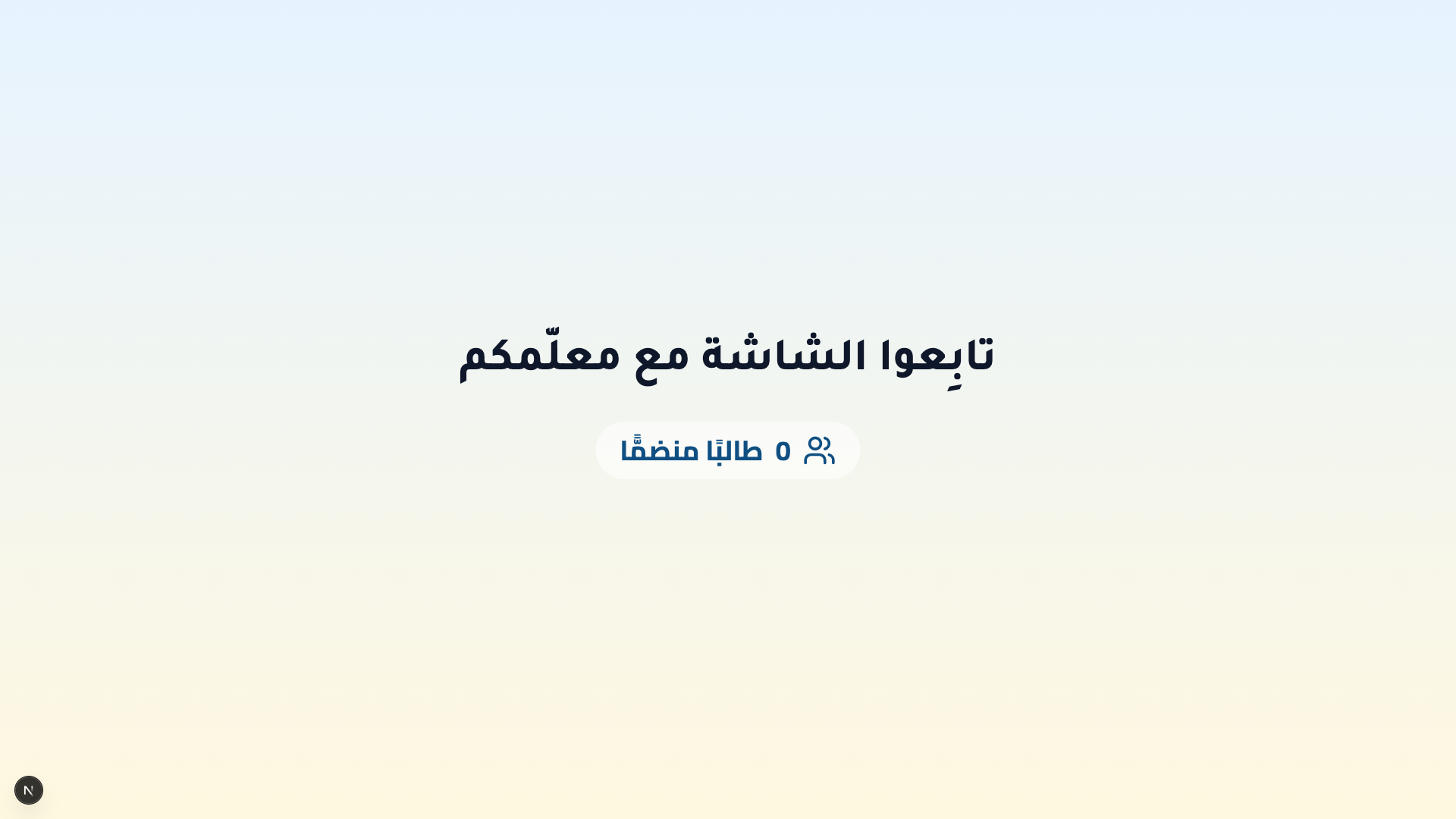
Before a session is live, the projector shows a calm waiting state inviting students to follow along, with a count of how many have joined so far.
The teacher launches and controls the session from their own sync screen — see the Teacher guide. The projector itself has no controls; it only displays.
Active session
Once the session is live, the projector shows a giant join code and an aggregate joined counter. Students enter that code on their own devices to join.
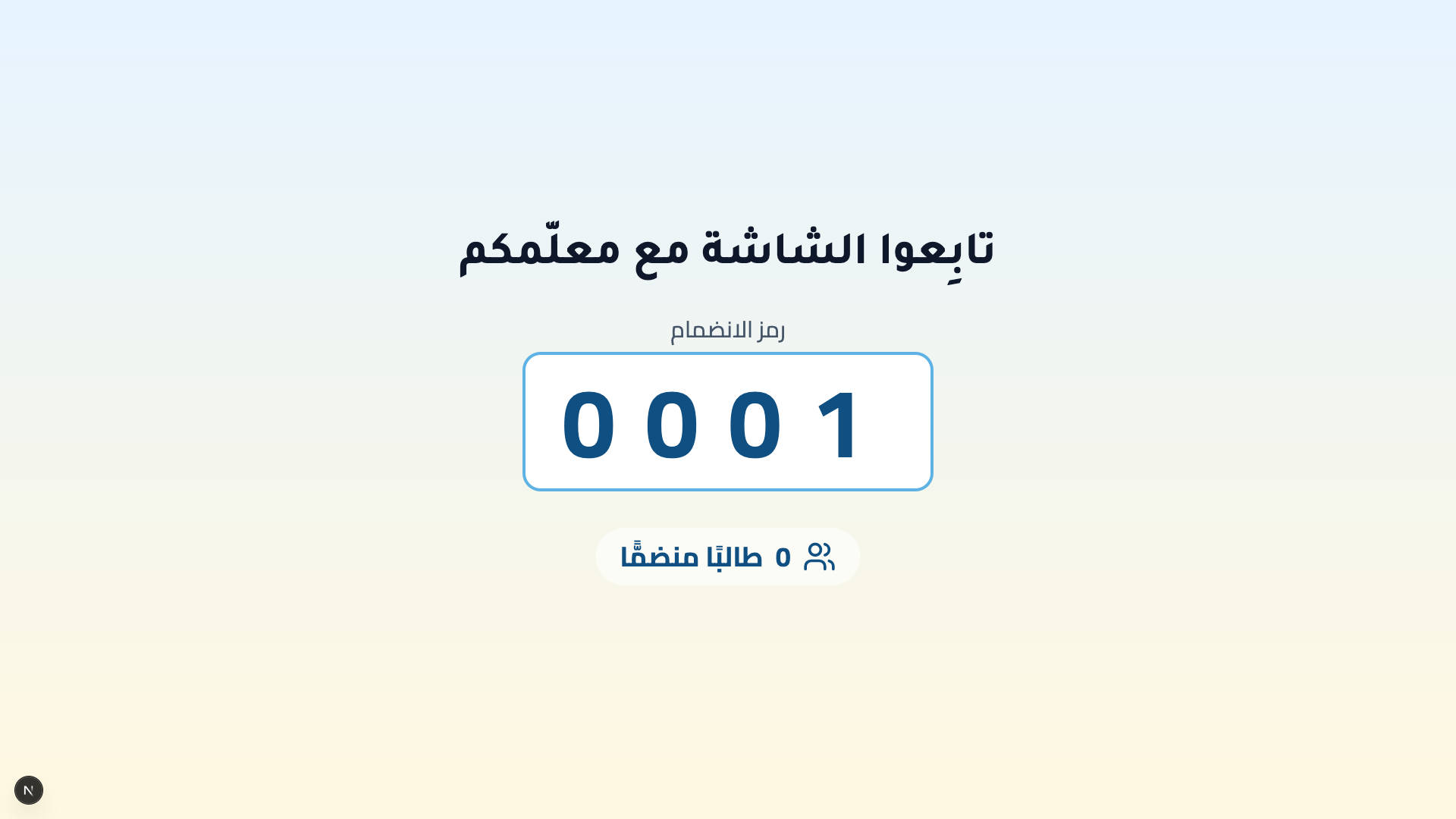
How students join:
- Read the large join code on the shared screen.
- Enter it on the join a live class keypad on their own device (see the Student guide).
The projector only ever shows the join code and aggregate counts — never a student’s name, result, or any individual detail. The shared screen is safe to display to a whole class.
Paused session
When the teacher pauses the session, students see a holding screen on their devices. The projector continues to display the join code and the aggregate joined count, so late-arriving students can still connect during the pause.
Ended session
When the teacher ends the session, the projector shows a full-screen congratulation message for the class. The join code is released at this point and will not appear again for the same session.
On the classroom display
The projector is 1920-first: at full HD it uses distance-friendly type — a large heading and a very large join code readable from the back of the room. On smaller projectors (around 1366 or 1280 wide) the type steps down to a still-legible base size that reads well up close.